
Guides · Home office · 6 min read
A home office setup that does not hurt

Chair, desk height, lighting, and audio choices that matter for long sitting days.
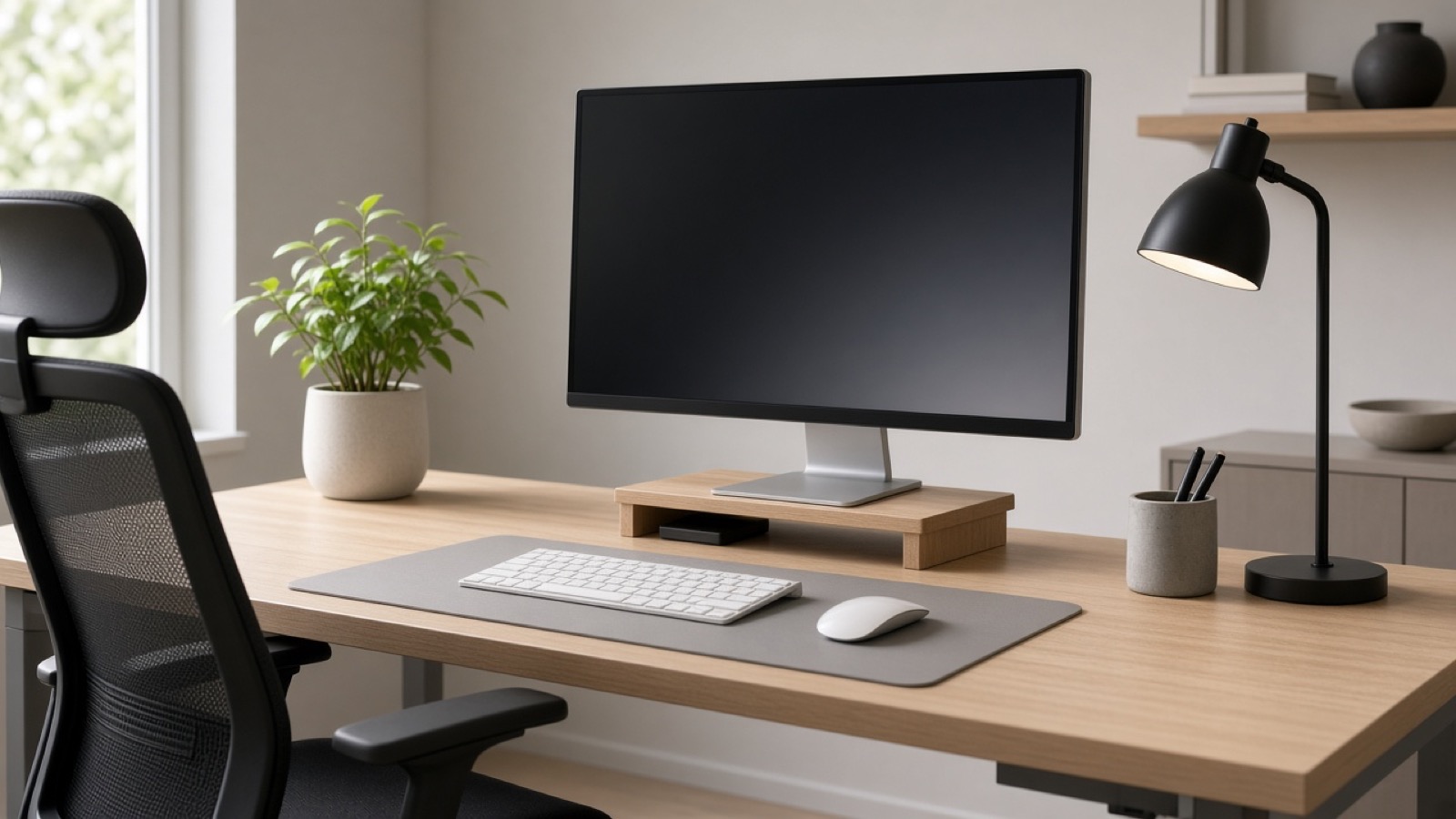
A home office is not a vibe board. It is posture, light, and noise for hours at a time. Cheap chairs and laptop-only desks create back and neck pain that no wallpaper can fix.
Prioritize the chair and screen height, then keyboard and mouse, then lighting and headphones. Decor comes last.
Chair and desk
Look for adjustable seat height, lumbar support you can feel, and armrests that let your shoulders relax. Soft foam that bottoms out after a month is not a bargain.
Desk height should let elbows sit near 90 degrees with wrists straight. If you use a laptop, a stand plus external keyboard is usually better than craning down at a screen.
Standing desks help if you actually alternate. A desk that stays at one awkward height all day is worse than a fixed desk set correctly.
Screens and light
One external monitor often beats a tiny laptop screen for spreadsheets and documents. Place the top of the screen near eye level. Side windows can cause glare; a simple bias light or desk lamp reduces eye strain at night.
Blue-tinted “gaming” lights are optional. Task light aimed at the keyboard and paper is not.
Audio for calls
A headset with a clear mic beats laptop speakers for daily calls. Wired is simpler; wireless needs charge discipline. Skip RGB marketing if you just need to be understood.
Noise around you matters. Closed-back headphones help in shared spaces. Open-back cans sound nicer and leak sound to roommates.
What we avoid recommending blindly
We avoid one-size “ergonomic bundles” with no size guidance. Body size and desk depth change what fits. Use our home-office category for specific products and skip-if notes, then confirm measurements on Amazon before you buy.
As an Amazon Associate, FinchFile earns from qualifying purchases.