
Guides · Amazon tips · 6 min read
Amazon search filters most people skip
Department, ratings, brands, climate features, and sort options that cut junk from Amazon search results.
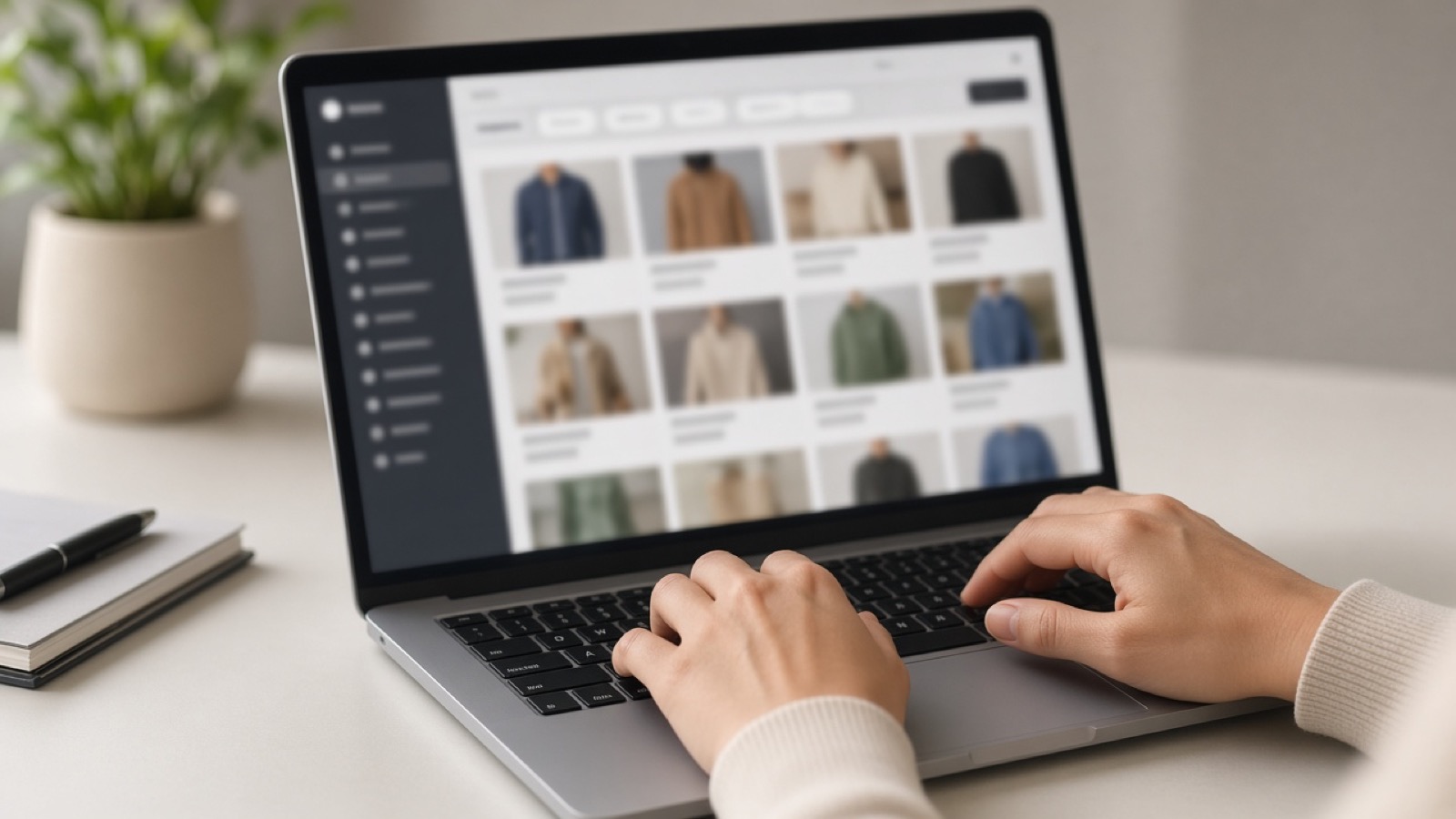
Amazon search is optimized to show you something to buy, not to show you the single best item. Filters are how you shrink the noise. Most shoppers only use price and Prime. That leaves a lot of control unused.
Start with the right department
Typing “steel bottle” without a department mixes sports bottles, industrial tanks, and random accessories. Pick the department that matches the job first, then refine.
If results look wrong, clear the department and try a more specific phrase (“insulated water bottle 32 oz”) instead of a vague noun.
Ratings and review count
Four stars and up is a blunt tool, but it removes obvious junk. Also glance at review volume. A 5.0 with twelve reviews is not the same evidence as a 4.4 with thousands.
Read recent critical reviews for sizing, durability, and “stopped working after a month.” Star averages hide patterns.
Brand, seller, and fulfillment
Brand filters help when you already trust a name. They also hide good no-name tools, so do not treat brand as mandatory for every category.
Prefer clarity on who ships and who sells. “Ships from and sold by Amazon” is a different risk profile than a brand-new third-party seller with no history. Returns and support paths differ.
Sort order is a trap
Featured / Featured+ style sorts are not “best.” They mix relevance, sponsorship, and Amazon’s ranking. Try Avg. Customer Review or Newest Arrivals when you are researching, then switch back when you are ready to buy.
Sponsored slots appear in search and on product pages. Mentally label them as ads, then judge the product on specs and reviews.
Desktop vs app filters
Desktop exposes more filters in a sidebar. The app often tucks the same filters behind a Filter button. If you cannot find Climate Pledge Friendly, size, or material on your phone, open the same query on desktop before you conclude Amazon “doesn’t have” that filter.
When you land a shortlist, jump to our category guides for named picks, or use Search on FinchFile if you already know the product type.
As an Amazon Associate, FinchFile earns from qualifying purchases.