
Guides · Amazon tips · 5 min read
Lists, orders, and Amazon pages worth bookmarking

Wish lists, Keep Shopping For, Your Orders, and other Amazon corners that make repeat shopping less chaotic.
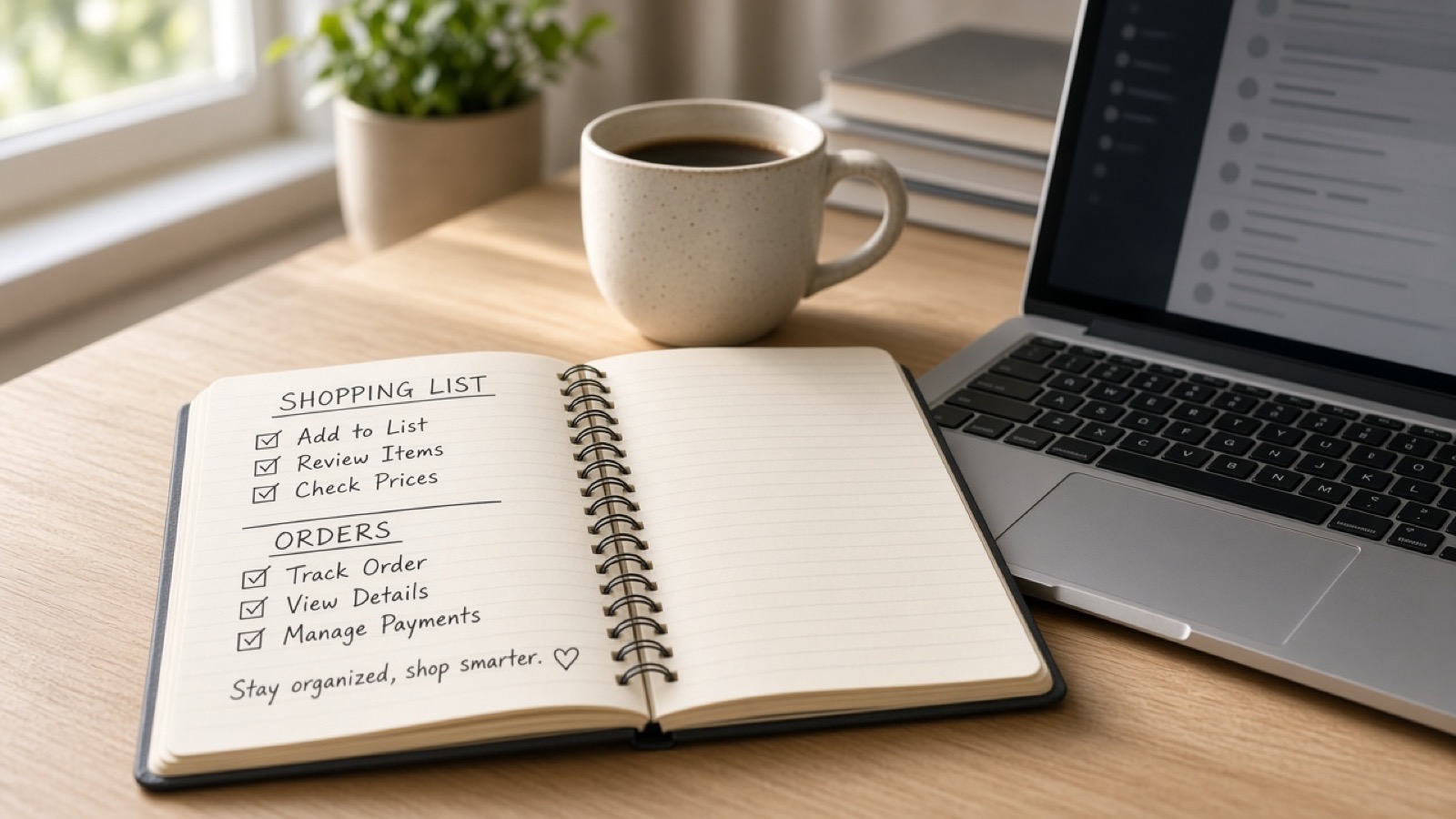
Amazon is easier when you stop treating the home carousel as your only door. A few account pages turn shopping into a system instead of a scroll.
Lists
Wish lists and custom lists let you park items without buying. Use separate lists for “research,” “gift ideas,” and “buy when on deal” so one pile does not blur into impulse.
Shared lists help households avoid duplicate buys. Privacy settings matter if a list contains gifts.
Your Orders and buy-again
Your Orders is the hub for tracking, returns, invoices, and reorders. Buy Again surfaces consumables you actually repurchase. That is more trustworthy than a random sponsored “you might like.”
If something arrives damaged, start with Your Orders the same day. Waiting only makes documentation harder.
Browsing history and Keep Shopping For
Browsing history helps you recover a product you forgot to save. It also feeds recommendations, so clear it when you shared a device or went down an unrelated rabbit hole.
Keep Shopping For style modules are shortcuts, not endorsements. Still verify price and seller.
Account settings people ignore
1-Click is convenient and dangerous on a phone in a bag. Turn it off if accidental orders are a problem. Review Amazon Day, delivery preferences, and authorized household members.
Notification settings control deal and shipment noise. Keep shipment alerts; mute the rest if they push impulse buys.
Bookmark the useful doors
Bookmark Your Orders, Your Lists, and the Coupons or Deals hub you actually use. Combine that with FinchFile category picks when you want a short shortlist instead of Amazon’s entire catalog.
As an Amazon Associate, FinchFile may earn from qualifying purchases.
As an Amazon Associate, FinchFile earns from qualifying purchases.