
Guides · Amazon tips · 7 min read
Amazon on desktop vs the mobile app

What shows up differently on amazon.com versus the Amazon app: deals, coupons, filters, and checkout habits.
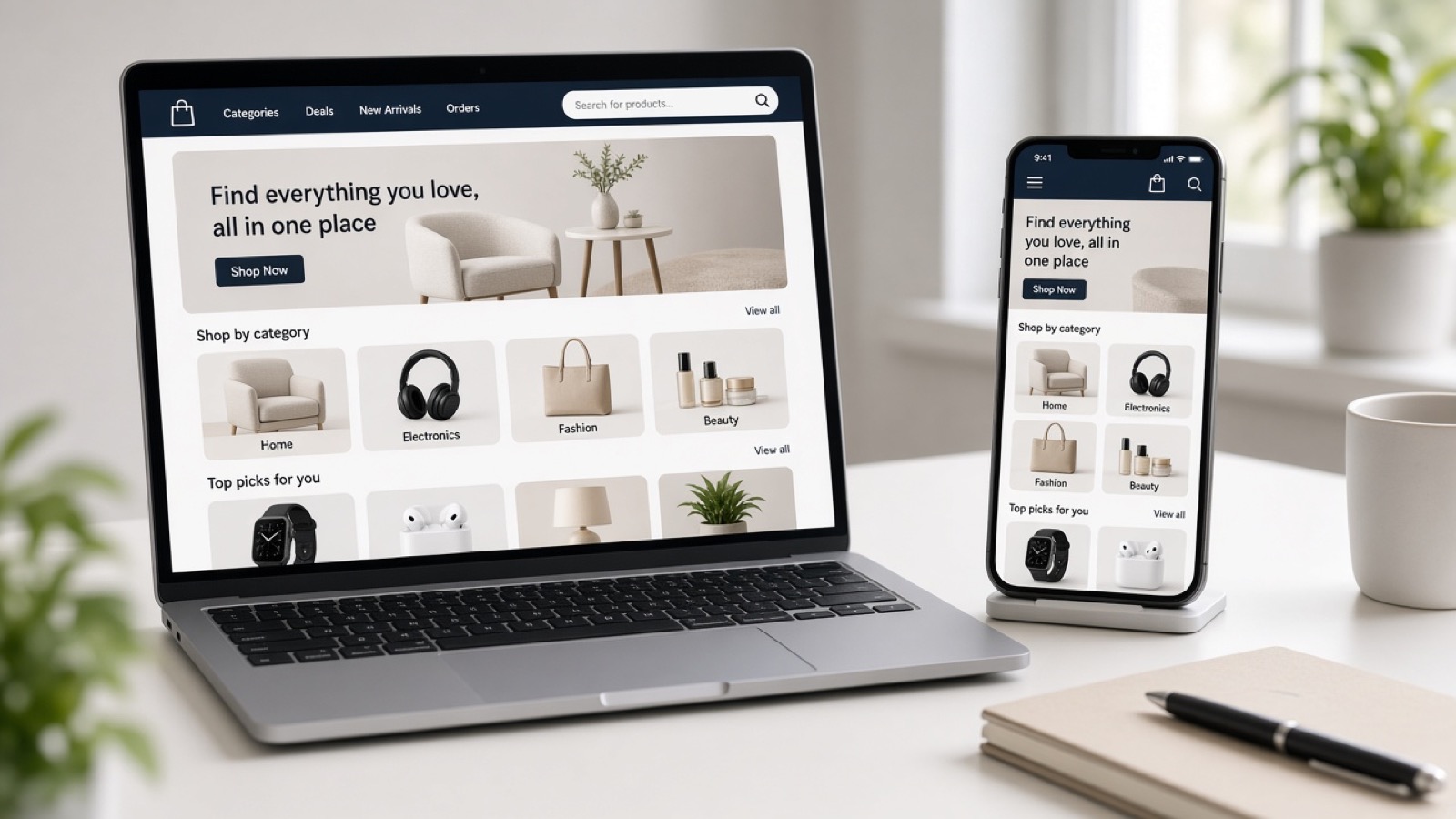
A lot of shoppers only ever use one surface. Desktop and the Amazon app are the same store, but the layout, deal badges, and filter paths are not identical. If a coupon or Lightning Deal seems to vanish, switch surfaces before you assume the offer is gone.
This guide is about how to shop Amazon itself. Pair it with our product category lists when you already know the job you need done.
What desktop is better at
Desktop search results usually show more filters at once: department, brand, price, Avg. Customer Review, climate features, and more without digging into nested menus. Comparing two or three open tabs is easier when you are weighing size charts or tech specs.
Long product pages with Q&A, size charts, and “from the manufacturer” blocks are easier to scan on a wide screen. If you are buying furniture, monitors, or anything with measurements, desktop reduces mistakes.
Browser extensions and price-history tools (when you use them) also live on desktop. The app will not show those third-party overlays.
What the app is better at
The app is faster for barcode scanning, voice search, and one-handed browsing on the couch. Push notifications for order updates and occasional deal alerts show up here first for many accounts.
Some shoppers find clip coupons and deal carousels more obvious in the app’s home and product layouts. If desktop hides a green coupon clip control in the buy box area, open the same ASIN in the app and check again.
Camera-based tools (style matching, showroom-style features where available) are app-native. Desktop will not match that flow.
Deals and coupons: check both
Lightning Deals and % off badges can appear, change, or sell out while you are staring at one screen. If the desktop product page looks “full price,” open the app (or a private window) before you give up.
Clip coupons are account-tied. Sign in on both surfaces with the same account or you will think a coupon disappeared. Clipping on one device usually applies at checkout on the other, but the control to clip is not always equally visible.
Today’s Deals and Coupons boards are reachable from both, but navigation labels move. Bookmark the deal hub you actually use so you are not hunting the nav every time.
Checkout and payments
Saved addresses, 1-Click, and payment methods sync by account, not by device. Still verify the ship-to address on mobile; fat-finger mistakes are more common on phones.
Gift options, delivery instructions, and Amazon Day preferences are easy to miss in the app’s shorter checkout steps. Slow down on the review screen.
Practical habit
Research size and seller details on desktop. Clip coupons and place the order on whichever surface shows the better live deal. If nothing matches, wait rather than forcing a purchase from the louder badge.
FinchFile links out to Amazon for live price and stock. As an Amazon Associate, we may earn from qualifying purchases.
As an Amazon Associate, FinchFile earns from qualifying purchases.